How I designed
a flexible solution website for schools' needs?
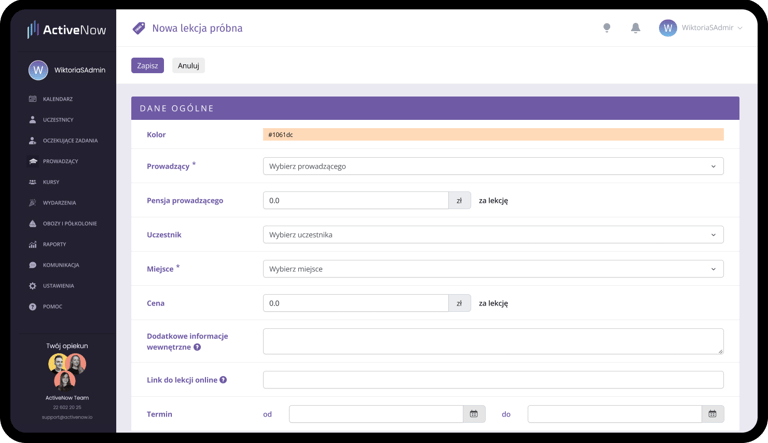
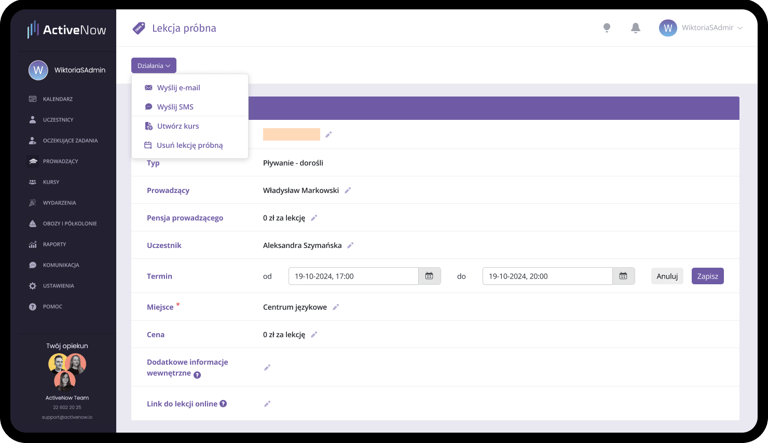
Trial Lesson Configurator
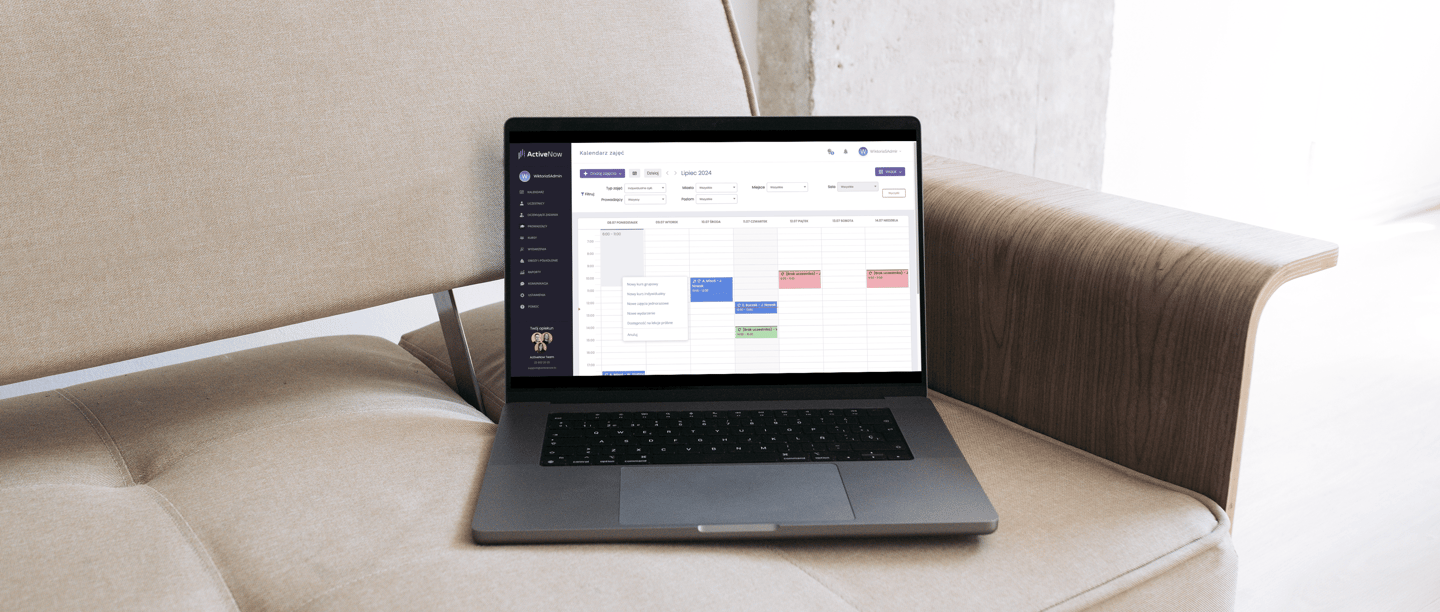
Overview
While working on a school management system, I designed a feature that allows schools to easily set availability for trial lessons.
This enables new clients to sign up online, making the system more flexible and automated, saving users time.


01 Discover & Define
Getting closer to the users meant meeting and understanding their everyday work and tasks. While interviewing them, I found problems that occurred in performing daily tasks. Key Insights:
Users work primarily in the calendar view, where most issues occur.
85% of participants struggle to create and manage trial-lesson schedules, mainly due to missing instructor availability support.
The UI doesn’t reflect real scenarios: defining trial-lesson time slots and categorizing lesson types.
Users rely on workarounds: single-use/empty slots and manual color-coding.
02 Problem Statement
The existing system was inflexible and did not account for differences in how schools operate. During user research, I identified several key issues:
Manual creation of empty classes: Schools had to manually add empty classes (without participants) to allow trial lesson bookings. This was a time-consuming and inefficient process.
Outdated calendar data: The practice of creating empty classes (without participant) cluttered the calendar, which often did not reflect the actual availability.
Lack of clear instructor availability management: The system did not provide intuitive tools for managing instructor availability, making planning difficult and prone to errors.
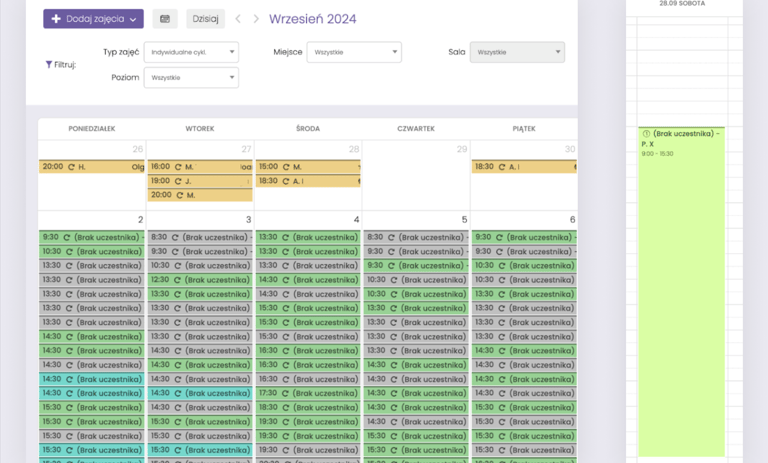
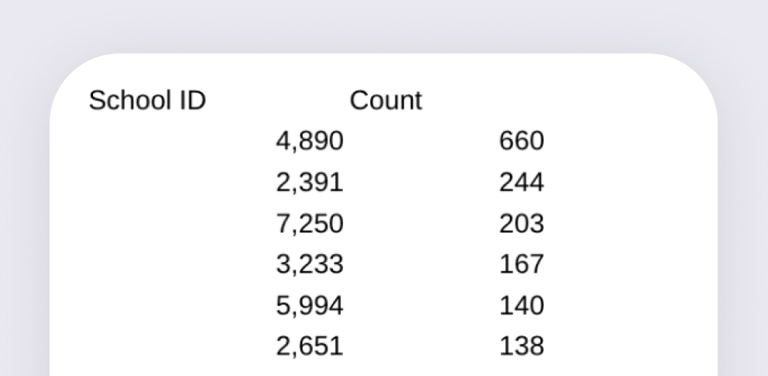
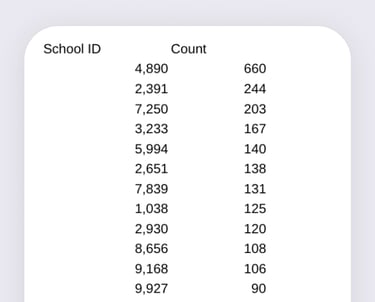
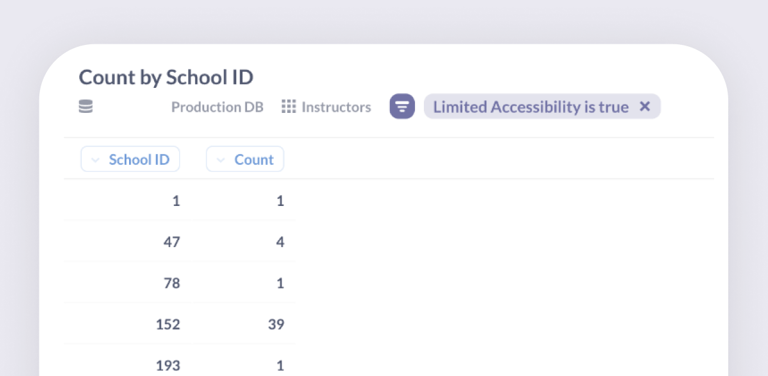
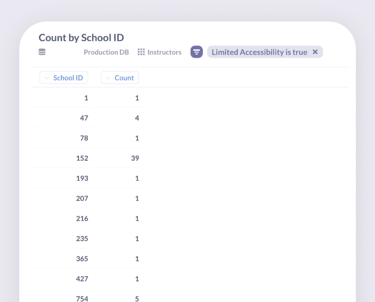
Empty Individual Course Slots
Schools that offer individual courses without participants + the scale of such courses
Instructor Availability
Only 24% of schools have the instructor availability feature enabled.
03 Idea & Definition
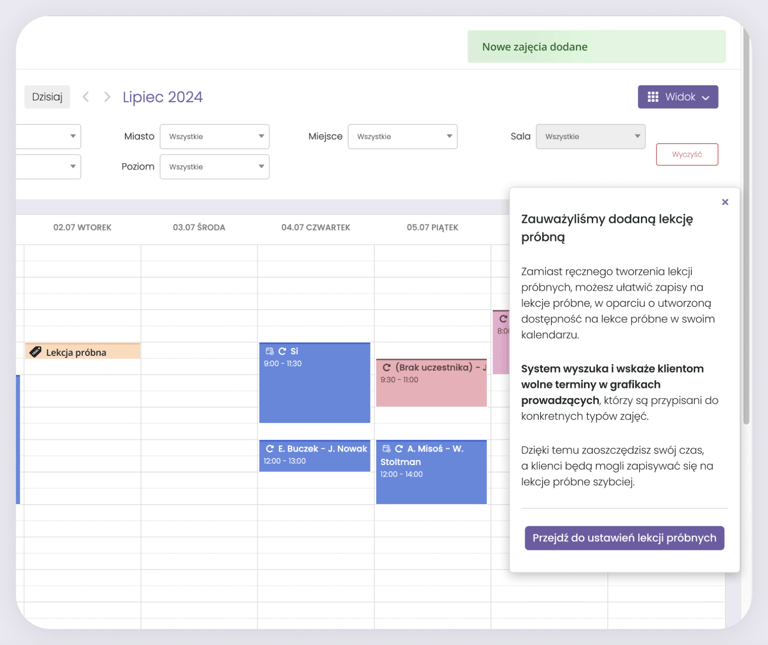
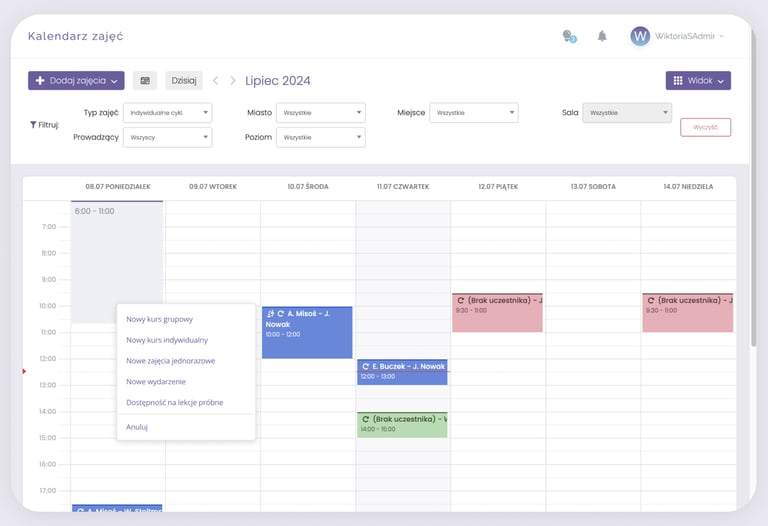
The solution seemed simple: add a simple mechanism for creating trial-lesson availability and “Add Lesson” button in the calendar.
But how could we also help schools handle online bookings and spontaneous inquiries more efficiently?
At first I gathered missing details how to define availability for trial lessons and how to assign their types (e.g., English or German). Weekly design meetings with the team enabled continuous iteration on UX and UI, significantly improving the initial version into a clearer and more effective design.
Adding Availability for Trial Lessons
Introduce two methods for adding availability:
a) "Add Lesson" button in the calendar
b) Drag-and-drop functionality in the instructor view.
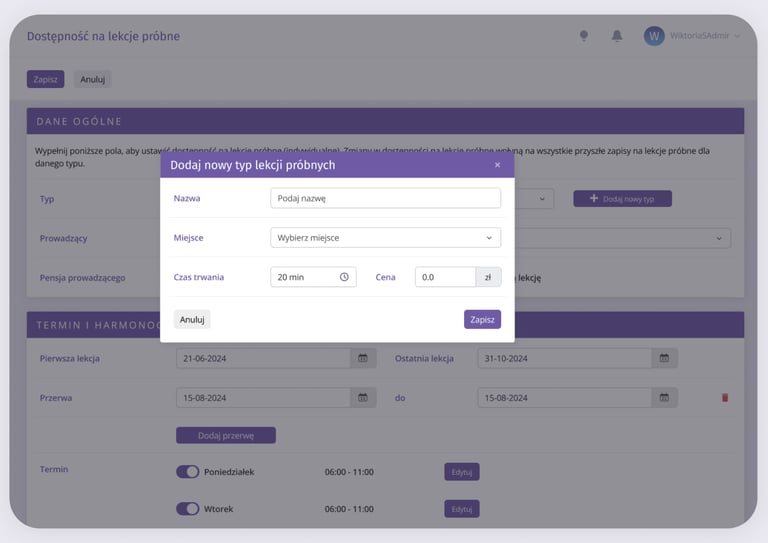
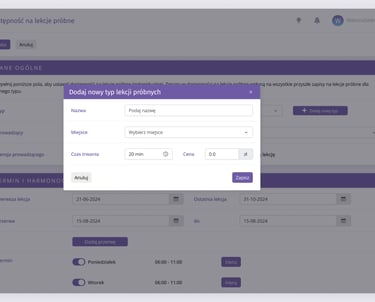
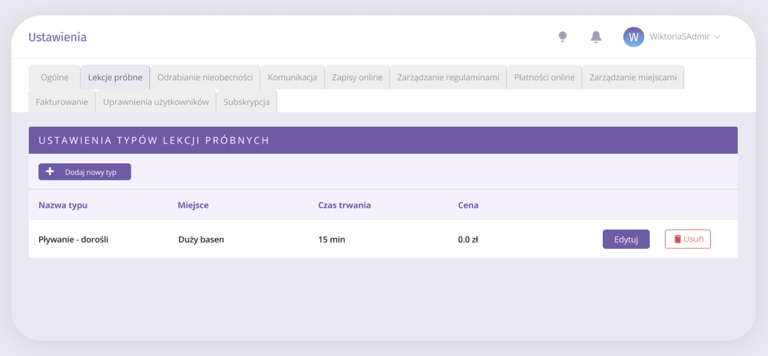
Creating a New Lesson Type – "Trial Lesson"
a) Allow defining the type of trial lesson (e.g., English, Music).
b) Enable adding a new type directly while setting availability.
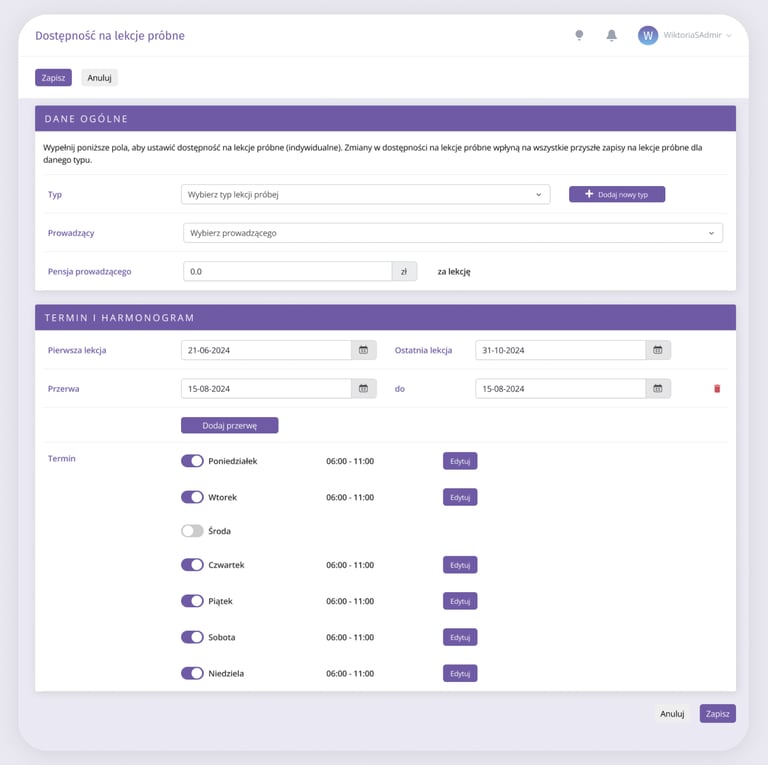
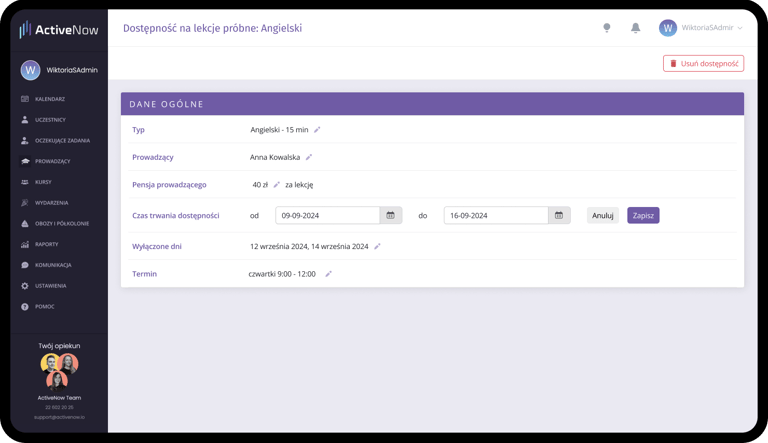
Adding availability for trial lessons
a) Calendar Integration - availability and trial lessons visible in the instructor view
b) Creation and editing of individual "availability blocks," including adding breaks, changing days or hours, and modifying the type of availability, e.g., from English to German.
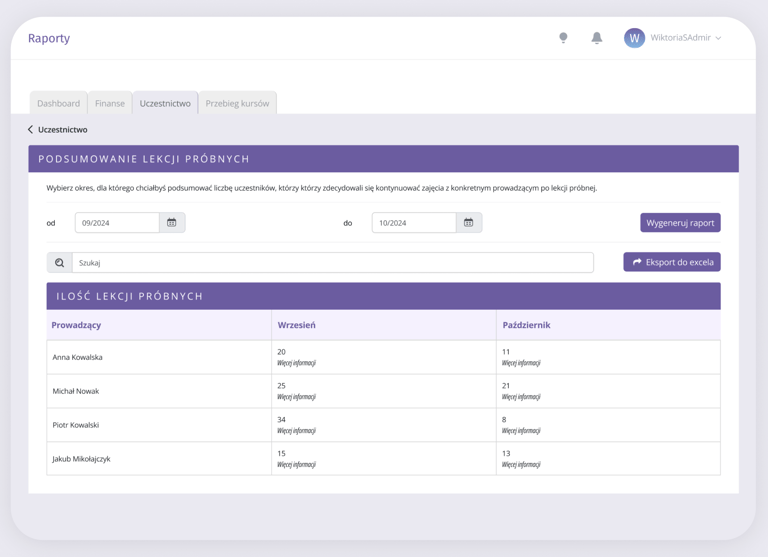
Reporting and Financial Data
Include trial lessons in financial reports and statistics, such as:
a) Instructor working hours
b) Instructor salaries
c) Number of trial lesson bookings.
Client View and Notifications
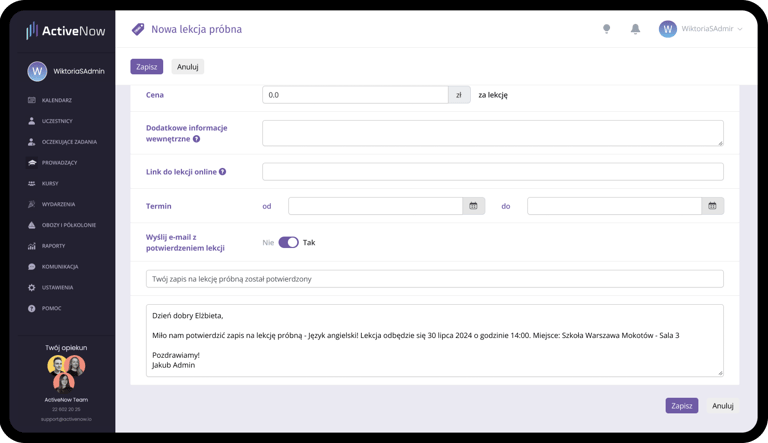
a) Confirmation of trial lesson booking for the client
b) New trial lesson view in the client panel - the process for online trial lesson booking was handled by another designer.
04 Design Phase
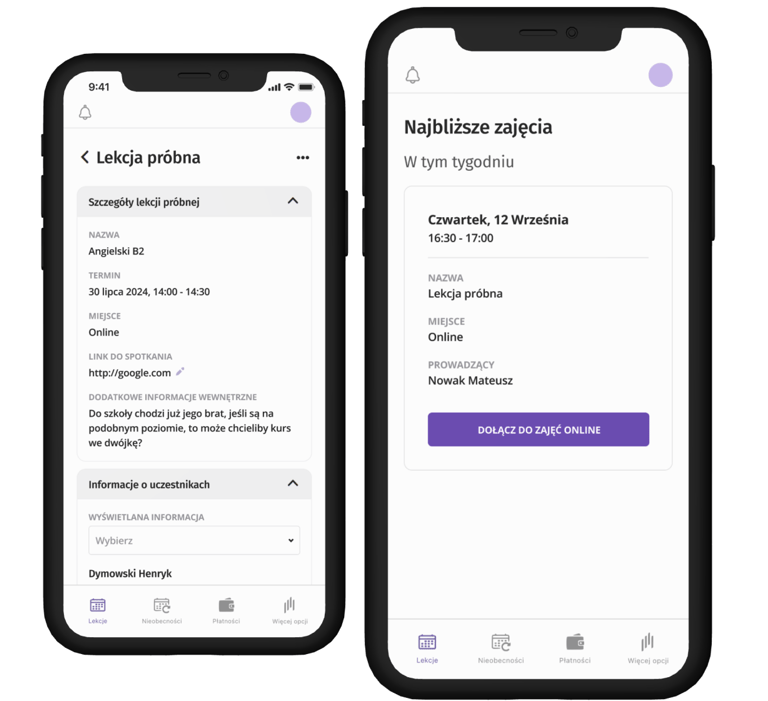
Based on these insights, I prepared a list of system changes for implementing the trial lesson configurator and mockups:
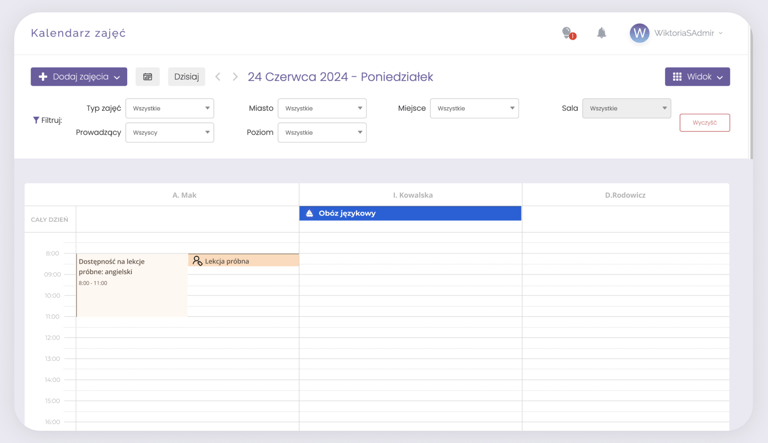
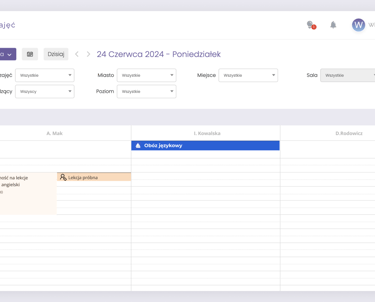
Managing Trial-Lesson Availability
To avoid calendar management issues, show availability per instructor in the calendar. Edit or remove availability via:
a) clicking the specific slot in the calendar
b) instructor settings
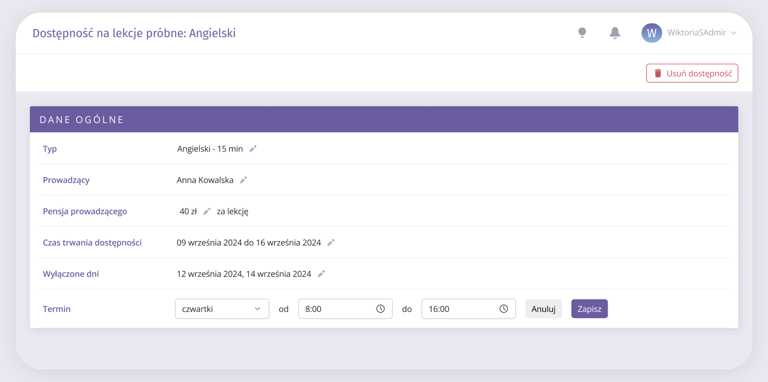
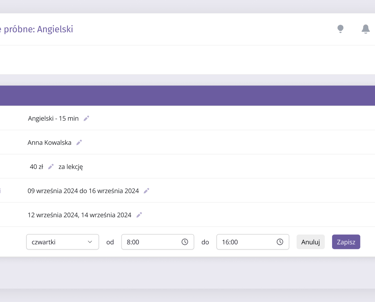
Other mockups